How to sight in a night vision scope begins with understanding the difference between saving a digital setting and establishing a reliable zero. Unlike a conventional optical riflescope, a digital scope uses an electronically displayed reticle and stores the associated correction in software. A dependable reference still requires stable installation, a known distance and independent verification.
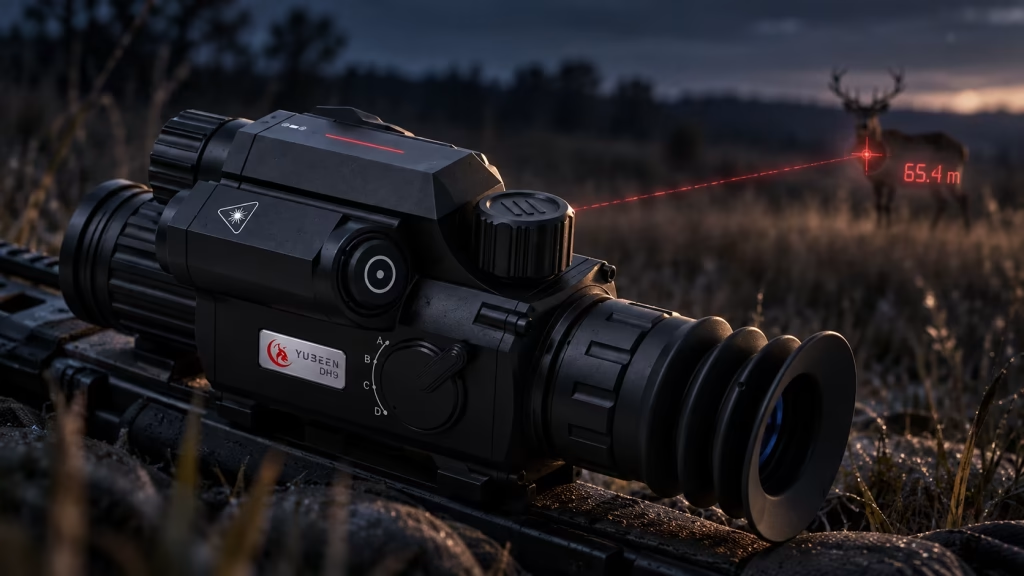
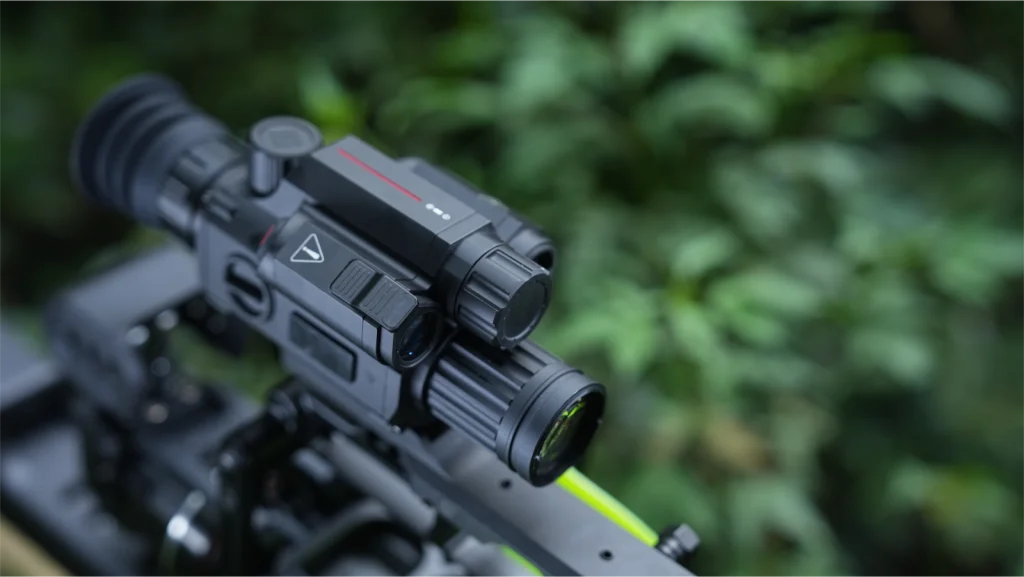
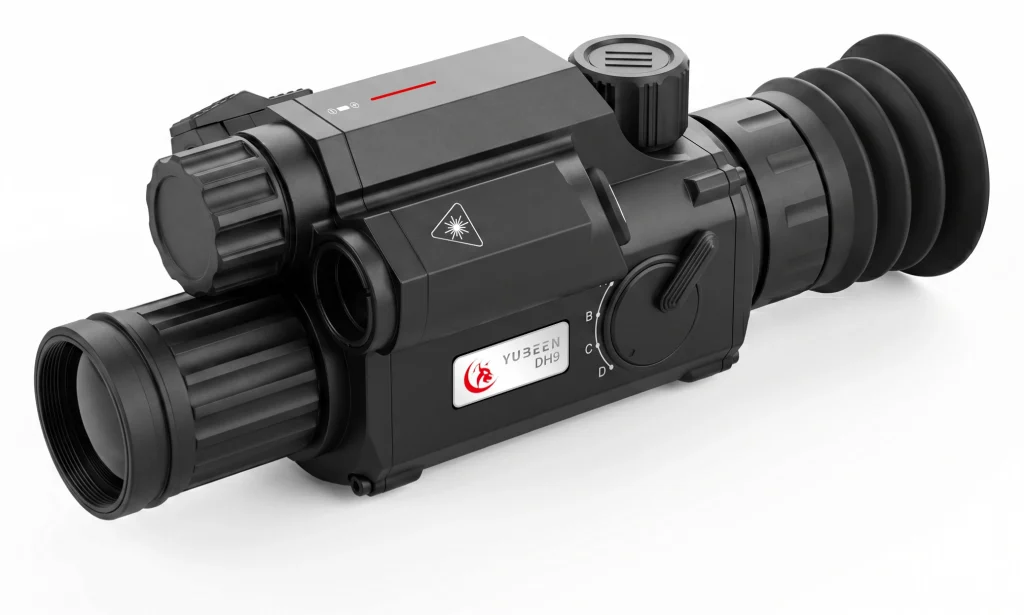
The YUBEEN DH9 digital day & night vision riflescope combines an integrated laser rangefinder (LRF), Freeze Zeroing and a Ballistic Calculator. Understanding where each function fits is more useful than treating them as a single automatic calibration system.
Quick Answer: The Digital Zeroing Process
A digital zero is a saved relationship between the displayed reticle and a verified reference at a defined distance. The overall process has five parts: check the mounting, establish the actual distance, identify the intended saved configuration, evaluate and record the offset under appropriate conditions, then save and independently confirm the result. Use ballistic assistance only after the zero is dependable. The exact button sequence must match the software version installed on the device.
What Changes When You Zero a Digital Night Vision Scope?
In a traditional optical scope, the reticle and mechanical adjustment system are part of the optical assembly. In a digital scope, a camera produces the scene and an electronic reticle is added to the displayed image. Digital adjustment changes the stored on-screen reference; it cannot correct an unstable mount or substitute for verification.
This distinction also matters when switching between saved configurations. A displayed reticle can look correct even if the physical setup has changed since the setting was recorded. For a wider comparison of day-and-night imaging features, see our digital night vision scope buying guide.
Three DH9 Features to Understand Before Zeroing
| Feature | What the published DH9 material confirms | Its role in the workflow |
|---|---|---|
| Integrated LRF | 3–1,000 m stated range; ±1 m stated measurement accuracy. | Checks a distance reference. It does not establish the zero by itself. |
| Freeze Zeroing | Listed under Control & Assistance. | Supports working with a held visual reference during digital calibration; a frozen frame is not independent confirmation of the saved result. |
| Ballistic Calculator | Listed as a separate assistance feature. | Uses configured information after a reference zero is established; a calculation is not a direct physical measurement. |
Note: These functions are confirmed in the official DH9 brochure. Menu terminology and available settings may vary by firmware version. Refer to the documentation supplied with your device for version-specific controls.
What to Check Before Starting
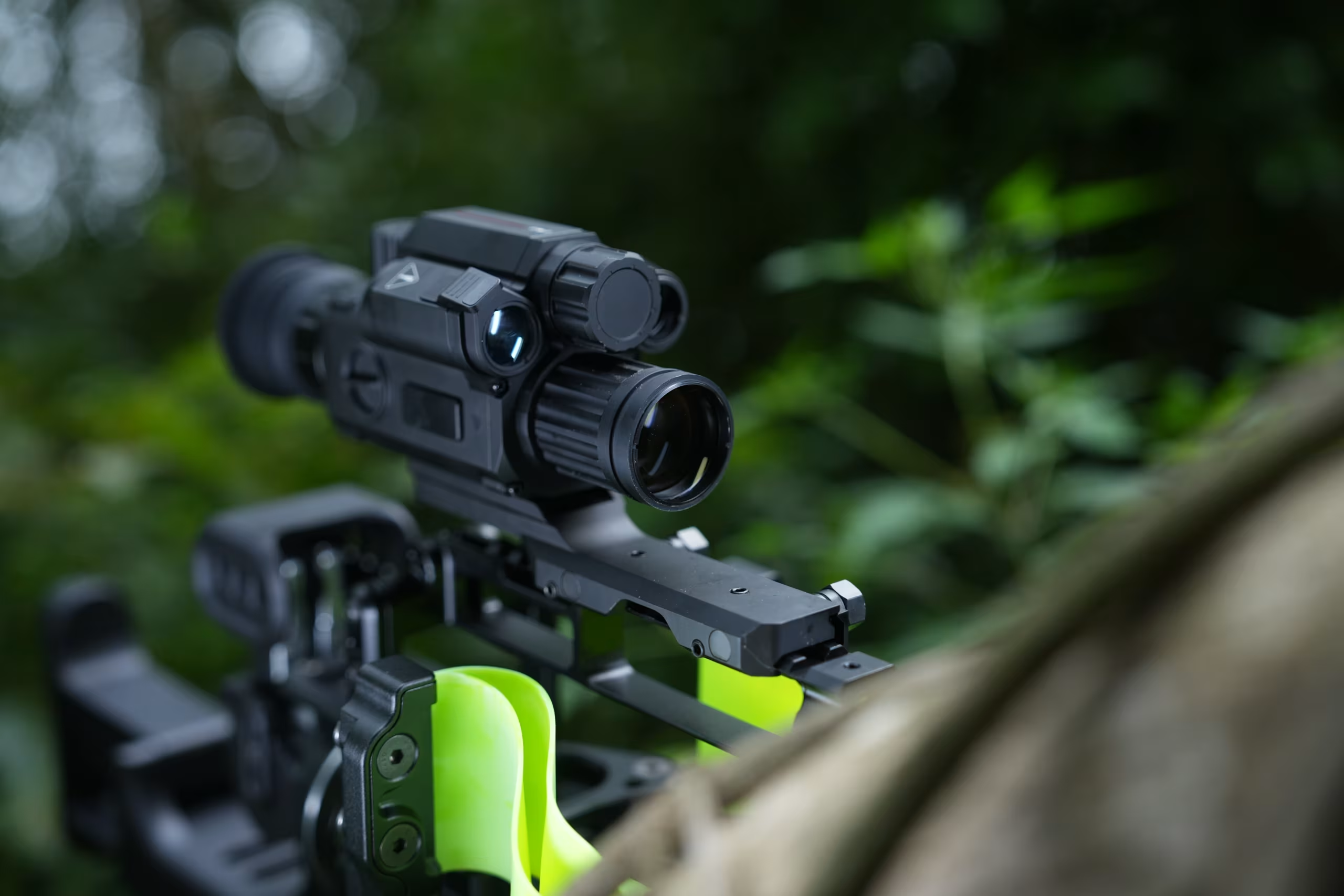
- Mounting: Confirm that the installed scope and its 20 mm Picatinny rail mount are secure and configured in accordance with the applicable product instructions.
- Distance reference: Establish the actual range. A value entered into a digital menu is meaningful only if it corresponds to the distance being evaluated.
- Consistent setup: Keep the equipment and other relevant conditions consistent during evaluation. A change in configuration may change the observed result.
- Recorded setting: Check which saved configuration is active, where supported. Record what it represents rather than assuming a label has a predefined assignment.
- Clear observations: Use suitable target records and appropriate, supervised range procedures for any live-fire verification.
Digital Zeroing: Five Stages to Understand
1. Confirm the Physical Installation
Start with the complete installation rather than the screen. A stored digital correction is based on the relationship between the sight and the rest of the setup at the time it is evaluated. If that relationship changes, the previous value may no longer be representative.
2. Establish the Intended Zero Distance
Choose the reference distance appropriate to the application, then confirm the actual range. DH9’s built-in LRF can assist with this check, subject to its measurement conditions. Do not confuse the brochure’s 3 m minimum focusing distance with a recommended zero distance: one is an imaging specification, the other is a user-defined reference for calibration.
The LRF measures distance to a surface that produces a usable laser return, not whether the displayed reticle has been verified. For ranging limitations and low-light considerations, see our night vision rangefinder guide.
3. Identify the Saved Configuration
If your firmware supports saved configurations, identify the active one and record the setup it represents. This helps keep different stored references organized and avoids confusion when reviewing or reusing a previous setting.
4. Understand the Digital Adjustment and Freeze Reference
The digital adjustment stage concerns the relationship between the displayed reference and the verified result. Depending on the installed firmware, the interface may include horizontal and vertical offset controls or calibration-magnification options. These settings affect the digital reference rather than the measured target distance.
Freeze Zeroing provides a held image as a visual reference during calibration. Calibration magnification, where supported, relates to on-screen adjustment granularity rather than a change in the actual target distance. Neither function independently establishes or verifies the final zero.
5. Save, Recheck and Keep the Reference Separate
Saving preserves the digital reference, but its reliability still depends on subsequent verification. If the result later differs, review the installation, reference distance and any relevant configuration changes before attributing the difference solely to the digital settings.
Zeroing, Freeze Zeroing and Ballistic Calculation: Three Different Roles
These terms appear close together in a digital sight’s features, but they should not be used interchangeably:
- Zeroing establishes the saved reference at a defined distance.
- Freeze Zeroing provides a held visual reference during digital calibration; it does not independently verify the result.
- Ballistic calculation works downstream of the established zero, using entered assumptions and settings to produce calculated assistance.
Where supported by the firmware, Ballistic Fitting compares model assumptions with observed data after a reliable reference zero has been established. Parameters such as ballistic coefficient (BC) and entered muzzle velocity remain inputs to the ballistic model, rather than direct measurements of the projectile’s true speed.
Common Reasons to Recheck a Saved Zero
- The sight has been remounted, shifted or otherwise subjected to a physical alignment change.
- The actual range differs from the distance recorded for the saved reference.
- A different stored configuration has been selected inadvertently.
- The setup used for verification has changed since the reference was established.
- An estimated ballistic correction has been mistaken for an independently verified zero.
FAQ
Can you complete digital zeroing through menu settings alone?
No. A menu can store a reference, but it cannot independently establish that the complete installed system produces the intended result. Verification is a distinct requirement.
Does the DH9 rangefinder set the zero automatically?
No. The LRF supplies a distance measurement. The published 3–1,000 m specification describes ranging capability, not an automatic zeroing function or the image’s recognition distance.
Does Freeze Zeroing replace confirmation after saving?
No. Freeze is an aid to the digital adjustment interface. The reliability of the saved result still depends on real-world confirmation under appropriate conditions.
Is the DH9’s 3 m minimum focus distance a suggested zero distance?
No. Minimum focusing distance is an imaging specification. It is not a manufacturer recommendation for a zero distance.
Does the Ballistic Calculator determine the true muzzle velocity?
The public product material does not claim direct muzzle-velocity measurement. A calculated or fitted assumption should not be presented as a direct instrument reading.
Should a saved digital zero be rechecked after remounting?
Yes. Remounting can alter the physical relationship between the sight and the setup, even when the saved digital settings remain unchanged. The stored reference should be rechecked under appropriate conditions before relying on it.
Conclusion: Verify the Reference Before Relying on Calculations
The most useful way to understand how to sight in a night vision scope is to separate the saved electronic reference, the measured distance and any later ballistic calculation. On DH9, the LRF, Freeze Zeroing and Ballistic Calculator support different parts of that process. A dependable reference rests on stable installation and confirmation, not on the presence of a feature label alone.
For current specifications and available features, explore the YUBEEN DH9 product page or download the official DH9 brochure.
Distributors and product evaluators seeking technical information, product availability or cooperation details can request DH9 product information through our contact page.