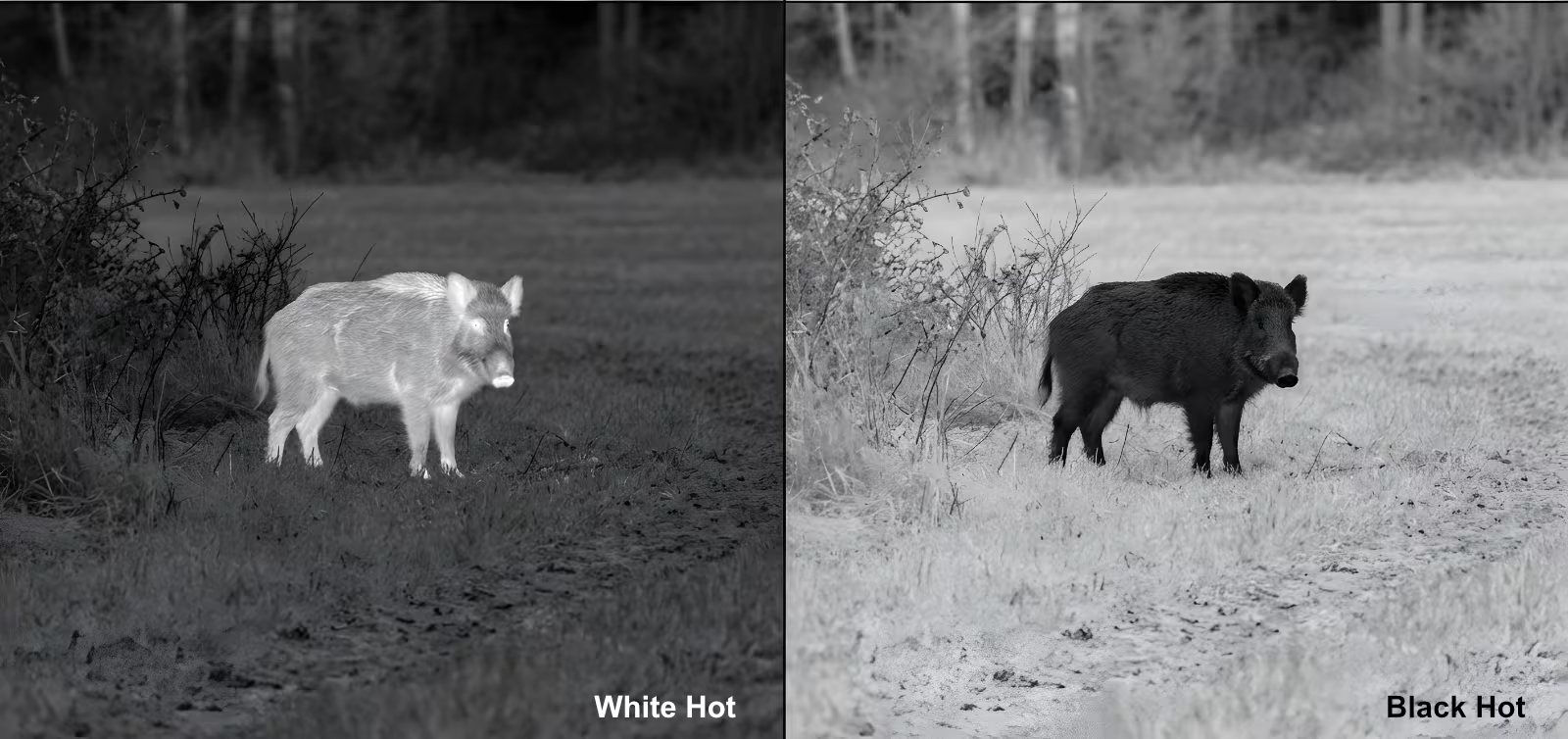
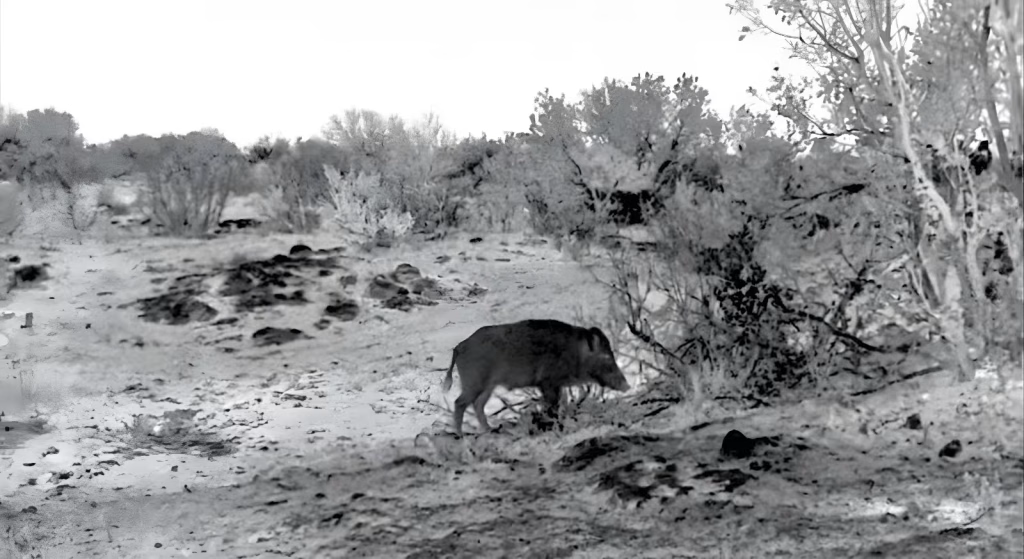
White Hot vs Black Hot thermal scope modes display the same scene in opposite grayscale palettes. In White Hot, warmer areas appear lighter. In Black Hot, they appear darker. The thermal sensor has not gained or lost detail; the grayscale presentation has changed.
In a busy scene, one view may make a warm shape easier to spot, while the other may make its outline or the surrounding terrain easier to read.
Quick answer: White Hot is a practical starting point when a warmer subject is clearly separated from cooler surroundings. Try Black Hot when the light areas in White Hot are distracting or when you find a dark silhouette easier to follow. Neither mode changes the detector’s underlying capability or restores thermal information that was not captured.
What Actually Changes Between White Hot and Black Hot?
Both modes display differences in infrared energy using shades of gray. White Hot maps relatively warmer parts of the scene toward white; Black Hot reverses that direction. Depending on the image-processing settings, a surface may take on a different shade as the camera reframes the scene. The displayed gray level is not a fixed temperature reading.
| What you see | White Hot | Black Hot |
| Relatively warmer areas | Light gray to white | Dark gray to black |
| Relatively cooler areas | Dark gray to black | Light gray to white |
| Native detector detail | Unchanged | Unchanged |
When White Hot Is a Useful Starting Point
On a cool field before sunrise, a warmer animal can appear as a light shape against relatively even, darker ground. This makes White Hot a natural starting point for noticing the heat signature.
Once you notice a bright shape, check its outline, movement, and surroundings. A heat signature alone does not establish what the object is.
White Hot becomes less straightforward when several surfaces are warm. Rocks, paths, tree trunks, and buildings can retain heat after sunset, leaving multiple bright areas competing for attention.
When Black Hot Is Worth Trying
If the White Hot picture looks crowded with bright shapes, switch to Black Hot while keeping the view on the same scene. The warm areas will appear dark, and some observers find that a dark outline is easier to distinguish against a lighter background. Others prefer White Hot, even in the same conditions.
Black Hot is not automatically better on warm ground. A subject and a nearby rock with similar thermal signatures do not become more different simply because their shades are inverted. Nor is Black Hot necessarily easier on the eyes: depending on the scene, it may turn much of the background light gray or white.
Judge the result by what you can actually read in the image, not by a rule that one palette always belongs to a particular time of day.
What If Neither Mode Gives You a Clear Picture?
A palette switch cannot solve every image problem. If an outline remains difficult to separate in both modes, check the settings and the scene before switching back and forth again.
Focus: A slightly soft image can hide edges in either palette. Refocus at the actual observation distance.
Digital zoom: High electronic magnification enlarges the existing image; it does not add native detector pixels. Compare at base magnification or a modest zoom level.
Brightness and contrast: Excessive screen brightness can make a light background uncomfortable, while aggressive contrast adjustments may conceal subtle gray tones. Make these adjustments separately from the palette comparison.
Scene conditions: When a subject and its background emit similar thermal signals, neither polarity can create meaningful separation. Weather, sun-heated surfaces, and obstructions can make that limitation more obvious.
If the image shows persistent fixed-pattern noise or uneven shading, use the device’s image-calibration or non-uniformity-correction function as directed in its manual. That addresses a different problem from weak thermal contrast.
A Simple Same-Scene Comparison
To find the more readable mode, compare them under the same conditions rather than relying on memory of two different views:
- Hold the scope steady on one scene and focus at the viewing distance.
- Use the same magnification and keep brightness, contrast, and image-enhancement settings unchanged.
- Pick a feature to assess: the subject’s outline, a gap beside it, or the terrain immediately behind it.
- Switch between White Hot and Black Hot without changing the framing.
- Choose the view that gives you the clearest overall understanding of the scene, not simply the brightest or darkest subject.
Try again when the background changes. The mode that looked clearest before sunrise may not be your preference after the ground has warmed.
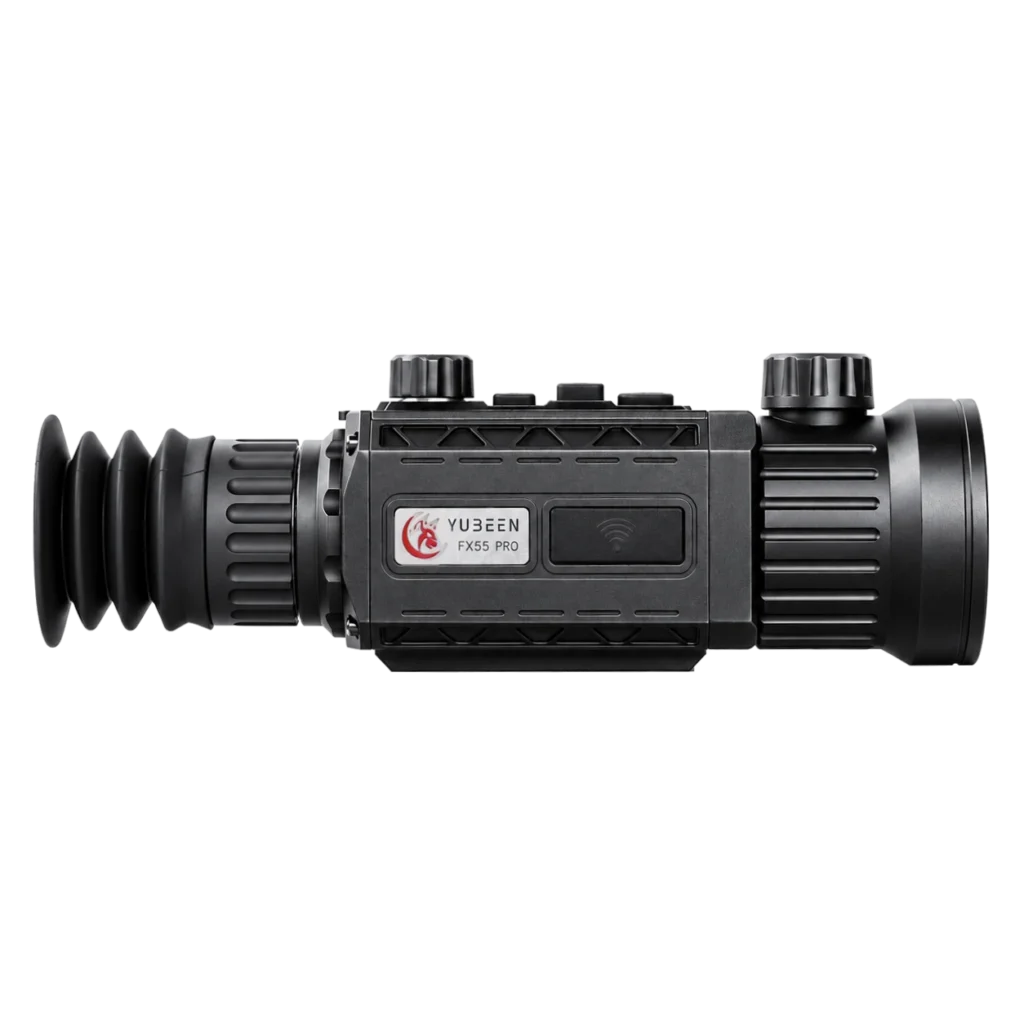
White Hot and Black Hot on the YUBEEN GX55L
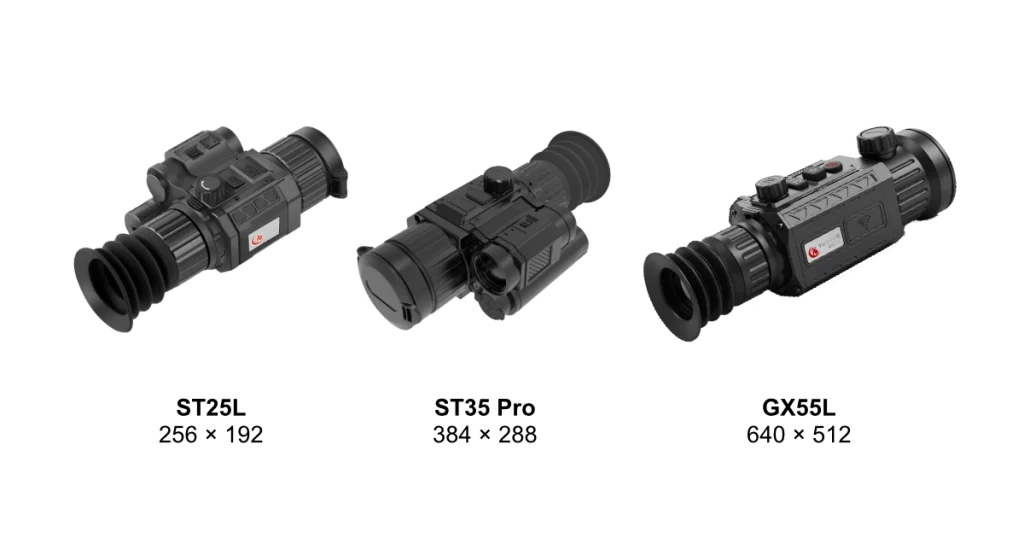
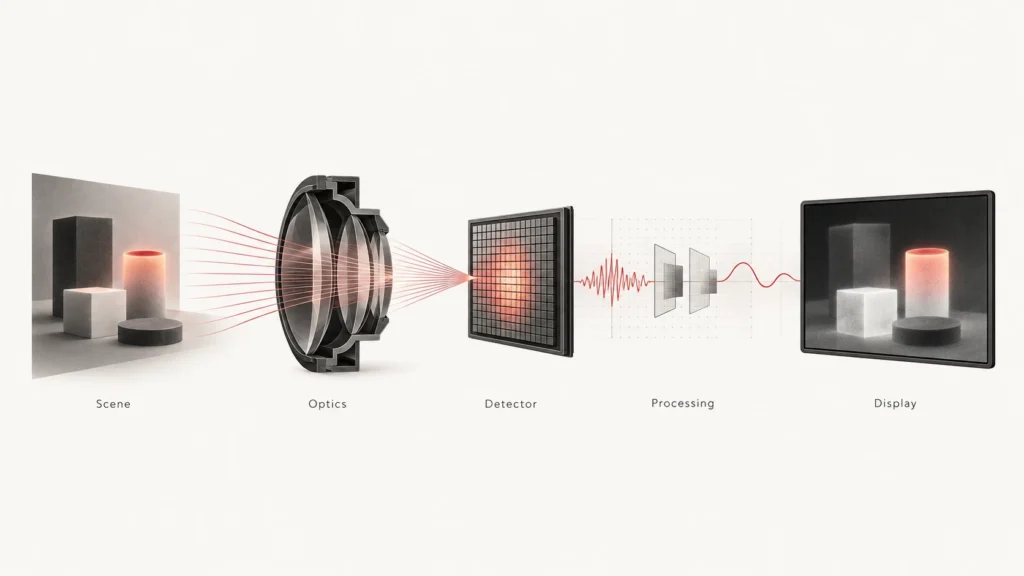
The YUBEEN GX55L includes White Hot, Black Hot, Red Hot, and Fusion display palettes. Its thermal imaging platform uses a 640 × 512 uncooled VOx detector, a 50 mm F1.0 objective, and a 50 Hz frame rate. The current product specifications list a 0.49-inch AMOLED display.
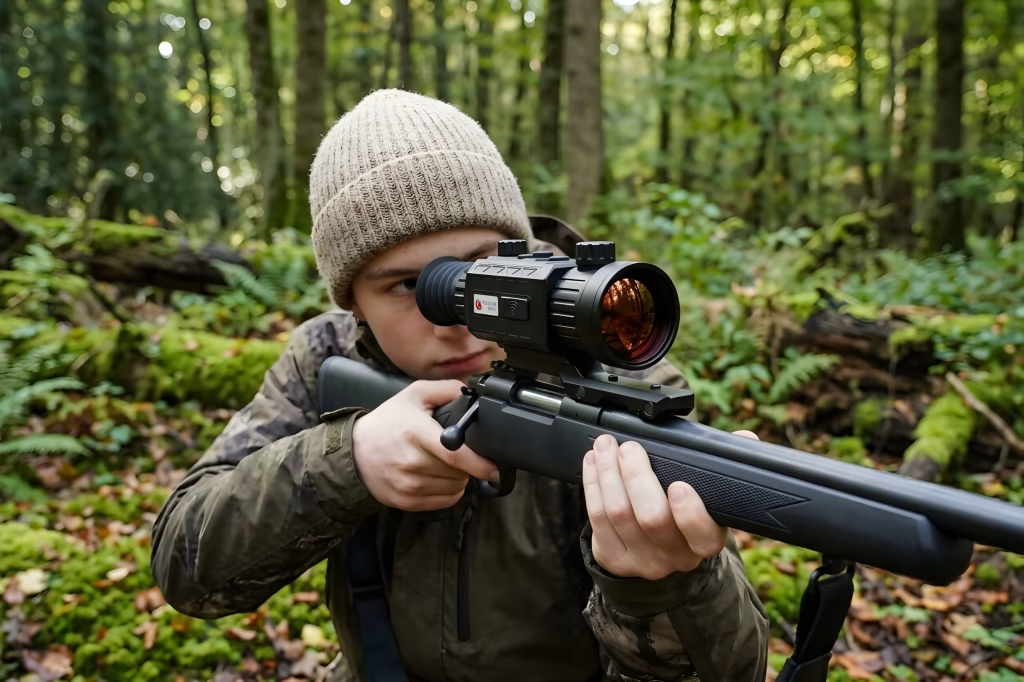
These are features of the imaging system; they do not change when you switch from White Hot to Black Hot. The GX55L also supports focus adjustment, digital zoom, and image-enhancement controls, which should be considered separately when comparing how the two grayscale views look.
For the full specification and current product information, see the YUBEEN GX55L product page.
FAQ
Does Black Hot reveal more thermal detail than White Hot?
No additional thermal data is captured. Black Hot may make a particular edge easier for you to notice, but it does not increase detector resolution or sensitivity.
Which mode is better for spotting wildlife at night?
White Hot is often an intuitive starting point when warm animals stand out against a cooler background. If the view becomes cluttered or an outline is hard to follow, compare Black Hot in the same scene. A thermal signature alone is not enough for reliable identification.
Is Black Hot always more comfortable for extended viewing?
No. Comfort depends on the overall brightness of the scene, the display settings, and the observer. Lower excessive screen brightness first, then compare both modes.
Can changing polarity help in rain, fog, or thermal crossover?
It may make the remaining contrast easier to interpret, but it cannot reverse atmospheric attenuation or restore target-to-background differences that are no longer present. YUBEEN’s guide to how weather affects thermal imaging covers those limits in detail.
The Best Mode Is the One You Can Read Reliably
Use White Hot as a starting point, not a permanent rule. Switch to Black Hot when the picture becomes difficult to interpret, and keep the setting that helps you understand both the subject and its surroundings. A clear view of the whole scene matters more than how striking the subject looks.