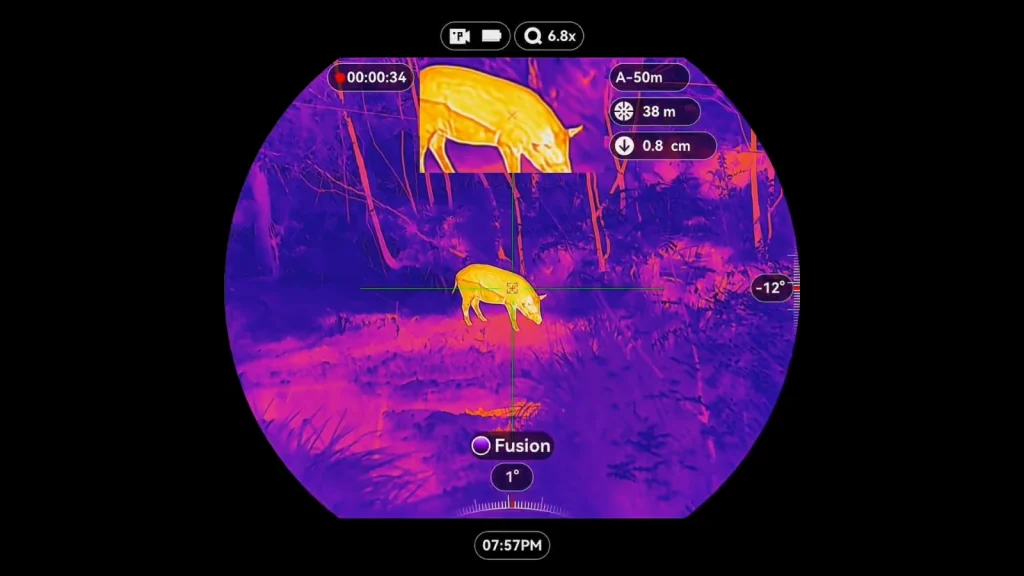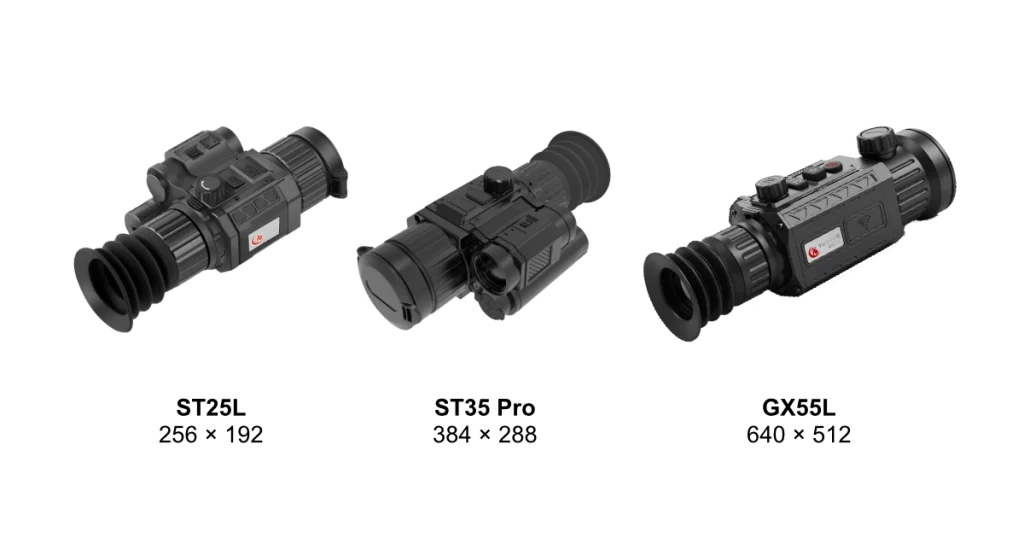
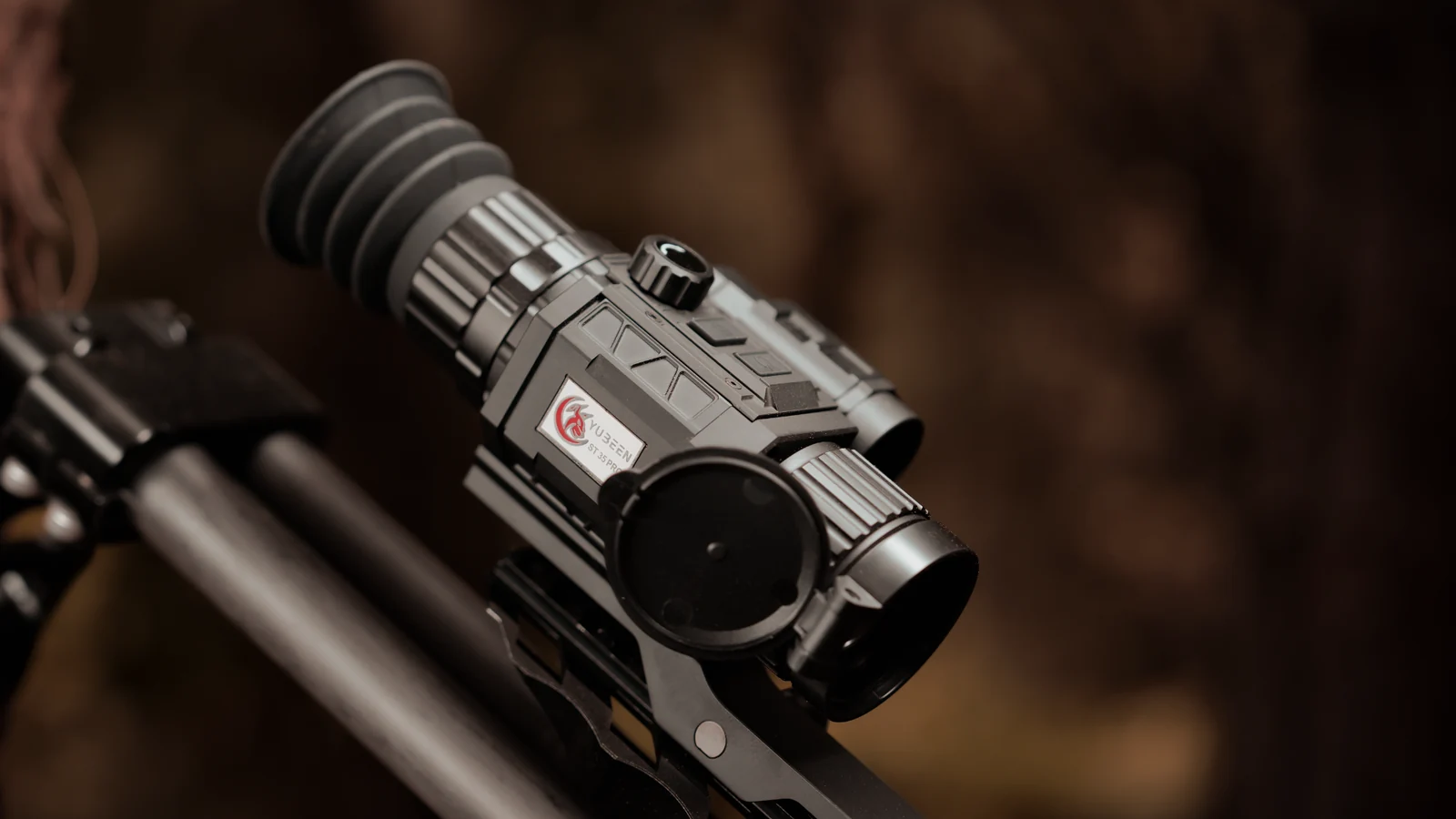
Learning how to sight in a thermal scope is not only about finding the zeroing menu. A thermal image can make the reference point look less consistent than it is, while a saved electronic setting can look correct even after the physical setup changes. Understanding those two problems helps explain why some users keep adjusting without getting a dependable result.
Quick answer: At a lawful, properly controlled range, confirm firearm safety and mounting stability, use a clearly distinguishable thermal reference, identify the correct saved configuration and known distance, and assess whether the observations are consistent. Follow your exact model’s instructions for any electronic changes and saving actions. A saved setting still needs separate verification; inconsistent evidence calls for diagnosis, not another guess.
How to Sight In a Thermal Scope: The Overall Process
The principles are similar across digital thermal riflescopes, but the interface is not. Use this sequence to understand the purpose of each stage; consult your device manual and the range’s safety procedures for actual operation.
- Check the physical setup. Confirm that the optic and mounting system are compatible and secure according to the manufacturers’ documentation. Any hands-on inspection must be performed with the firearm unloaded and made safe.
- Establish a usable thermal reference. A target must remain distinguishable in the thermal image, not merely on printed paper. Its apparent shape and contrast should be sufficiently stable to interpret.
- Identify the stored configuration. Confirm the intended zeroing profile and reference distance where supported. Profile names, distance settings and ballistic features are not necessarily the same thing.
- Evaluate consistency. A meaningful assessment requires comparable conditions and repeatable evidence. One isolated observation cannot distinguish an actual offset from variation or an unstable reference.
- Use the model-specific procedure and verify. Electronic adjustment and saving controls differ. Confirm that the intended setting has been stored and that the overall result has been independently checked.
This is the overall logic, not a universal button sequence. For mounting compatibility in particular, see our thermal scope mounting guide.
Why Printed Targets Can Lose Contrast in Thermal Imaging
A black bullseye on white paper may look precise in daylight yet blend into its background through a thermal scope. Visible color contrast and thermal contrast are not equivalent. The thermal image depends on emitted and reflected infrared radiation, influenced by the surface’s temperature, emissivity and surroundings.
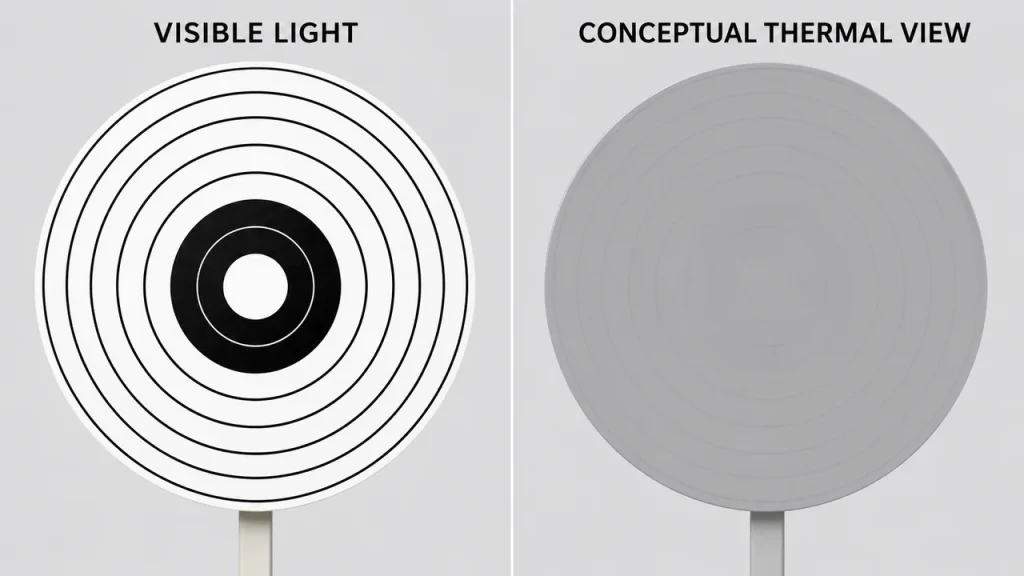
A reference can also appear to change over time. Sun exposure, shade, wind and nearby warm surfaces may alter its thermal appearance. Reflective surfaces can show radiation from their surroundings rather than behaving like a simple temperature indicator. What looks like a moving edge on the display may therefore be a change in image appearance—not a change in the scope’s stored setting.
Purpose-made thermal targets are one option where allowed by range rules. Whatever reference is used, its actual visibility matters more than how clearly the mark appears to the naked eye. Digital zoom can enlarge a feature on screen but cannot recover detector detail that was never captured.
We cover focus, digital enlargement and image-processing effects in our separate thermal scope image-quality guide. Here, their relevance is narrower: a reference that is hard to distinguish makes a zeroing result harder to interpret.
What Does “Chasing the Zero” Mean?
“Chasing the zero” is the cycle of treating each apparently different result as a reason for another adjustment. A single observation may reflect ordinary variation, a change in what the thermal image shows or a different equipment configuration. If the evidence itself is not repeatable, a series of precise-looking electronic corrections cannot make it reliable.
The distinction is between a consistent offset and an inconsistent observation. Only the former gives reason to investigate whether a stored reference needs attention. The latter calls for checking what changed before interpreting another on-screen value.
Four Situations That Can Look Like Zero Shift
Rather than assuming the scope is at fault, identify which part of the setup or observation has changed. The table describes possible explanations, not confirmed diagnoses.
| What you notice | What may have changed | What to establish first |
|---|---|---|
| The reference looks different as conditions change | Thermal contrast, reflected infrared radiation or automatic image processing | Whether the reference itself remains recognizable and consistent |
| The apparent result changes after the optic is removed or repositioned | The physical mounting configuration | Whether the installed setup is unchanged and safely verified |
| The displayed reference changes after selecting another saved setting | A zeroing profile or model-specific configuration | Which profile and reference distance the device is actually showing |
| Observations vary without a clear pattern | One or more uncontrolled factors | Whether comparable conditions produce reliable, repeatable evidence |
It is possible for more than one factor to be present. A changed image does not prove a shifted zero, and an unchanged menu value does not prove a sound physical setup. If the pattern is unclear, continuing to change settings can make the original issue harder to identify.
Freeze-Frame and Saved Profiles: What They Actually Do
Many digital thermal optics provide a saved zeroing configuration; some also offer freeze-frame assistance. YUBEEN lists Freeze During Zeroing for the ST35Pro. These are useful interface features, but they serve different purposes.
A frozen image preserves a visual reference while a setting is being considered. A saved profile records the selected electronic configuration. Neither can establish that the mount is stable or that a real-world outcome has been verified. Reticle markers, X/Y terminology, profile structure and save commands vary across models and firmware versions.
For that reason, avoid using a correction rule copied from another scope’s screen. The official YUBEEN manual library is the appropriate starting point for model-specific controls.
When to Stop Adjusting and Seek Support
Pause further settings changes if the reference is no longer clearly distinguishable, the active profile is uncertain, observations remain inconsistent or the mounting system may have moved. Where physical inspection is required, ensure the firearm is unloaded and made safe; follow local law, range rules and qualified technical guidance.
If the issue persists, a useful support report includes the exact model, firmware version, selected profile, the symptom, and what changed before it appeared. Safely obtained screen images can help clarify whether the concern is visual or software-related. Our thermal scope reliability article covers wider equipment problems; existing YUBEEN owners can use the warranty and service page for individual cases.
Frequently Asked Questions
Can a thermal scope be zeroed with one shot?
Some models advertise one-shot zeroing, which refers to a software-assisted function. It does not by itself demonstrate a repeatable real-world result. Follow the exact model manual and applicable range-safety requirements.
Why is a paper bullseye hard to see through a thermal scope?
Black and white ink can have very similar thermal appearances. What the device shows depends on the surface’s temperature, emissivity and reflected infrared radiation, rather than visible color alone.
Does freeze-frame zeroing automatically confirm the result?
No. Freeze-frame holds an image reference for the device’s interface. It does not establish mounting stability or replace independent verification of a saved setting.
Can I use the same saved zero after removing and reinstalling a scope?
Do not assume a previously saved electronic setting proves the reinstalled configuration is unchanged. Follow the mounting instructions and arrange appropriate verification.
Does digital zoom improve thermal zeroing accuracy?
Digital zoom enlarges displayed pixels but adds no native detector detail. It can make a poor thermal reference look bigger without making the underlying evidence more dependable.
The Bottom Line
A reliable thermal scope zero involves more than a reticle or saved number on the display. The thermal reference must be interpretable, the physical setup must be stable and the evidence must repeat. When those conditions are uncertain, the useful next step is to identify the cause—not to chase another adjustment.
See the YUBEEN thermal riflescope range for current products, and use the manual for the exact model when working with zeroing settings.