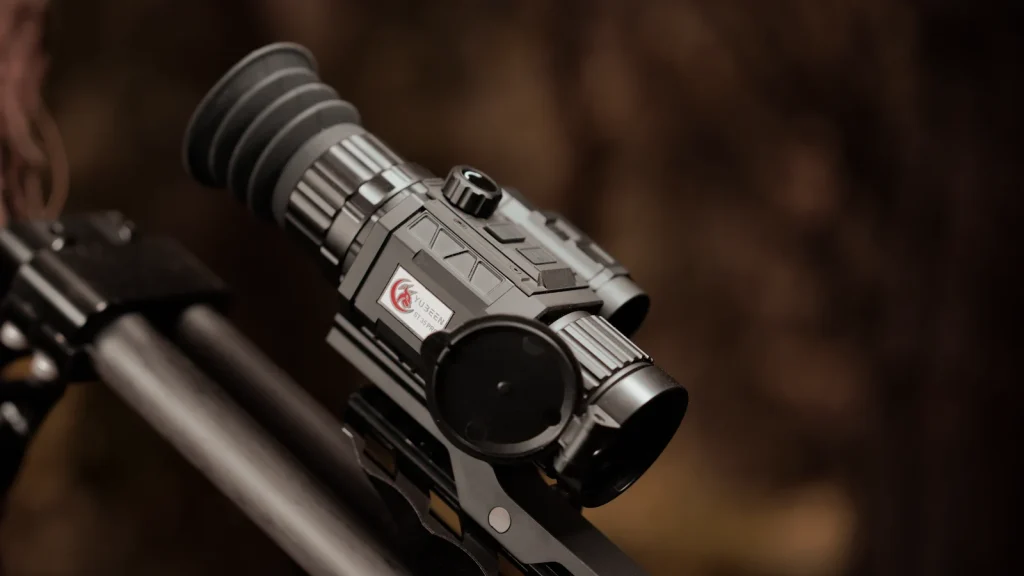
Recoil-activated video on thermal scopes can automatically preserve footage when a device detects a qualifying recoil event, without requiring the user to press the record button at that moment.For anyone who wants to review a brief event rather than an entire session, that convenience can be valuable.
However, not all thermal scopes handle automatic recording in the same way. Some begin recording when the trigger event is detected, while others can preserve footage from before the event through a pre-recording function. The trigger mechanism, clip duration, storage behavior and file-transfer options can all affect the result.
Respuesta rápida: Recoil-activated video is worth considering if you regularly review short event clips and want to reduce reliance on manual recording. It is less important if you rarely use recorded footage or need uninterrupted video of an entire observation session. Before choosing a scope for this feature, confirm how the exact model records and saves its video.
How Does Recoil-Activated Video Work?
Recoil-activated recording, often called Recoil-Activated Video (RAV), is an event-triggered recording function. When enabled, a compatible thermal scope monitors for a recoil event. If the device detects an event that meets its programmed conditions, it initiates the relevant recording or saving process.
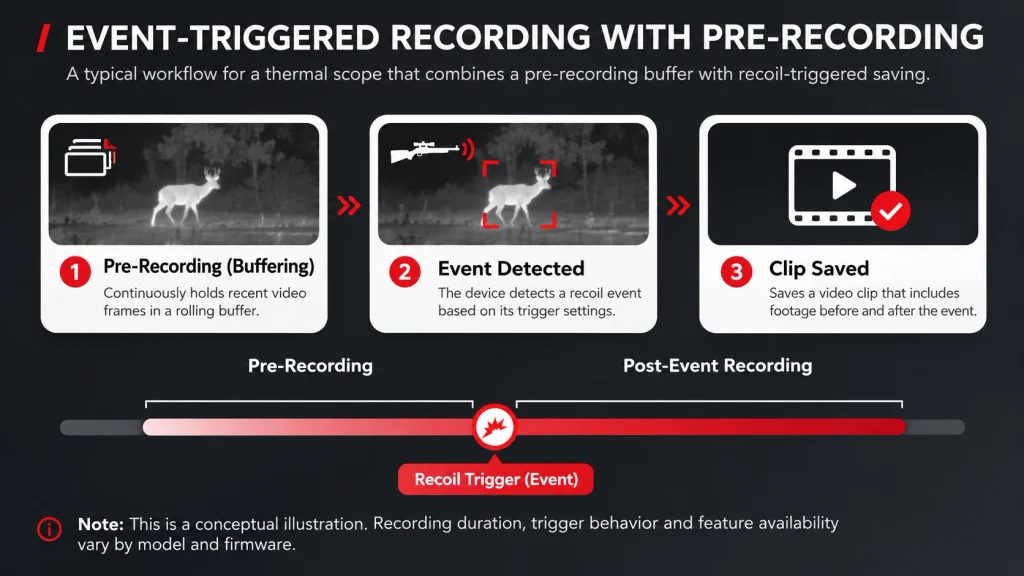
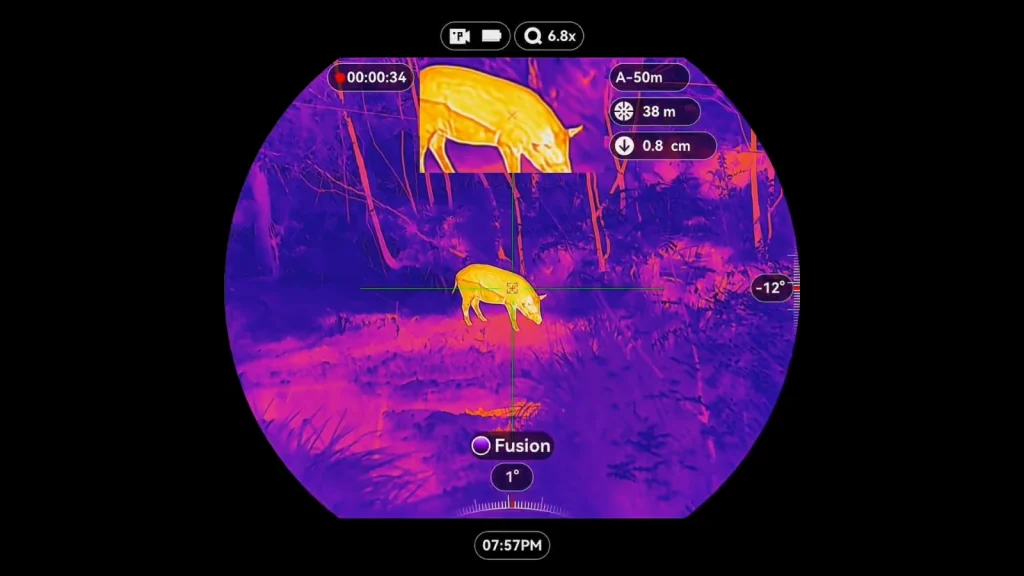
Conceptual illustration of pre-recording and recoil-triggered video saving. Actual operation varies by model and firmware.The important distinction is what happens before that event.
A scope that starts recording only after detecting recoil may miss the moments immediately preceding it. A scope that combines recoil activation with pre-recording can potentially include footage from both before and after the event.
In a typical pre-recording implementation, the device temporarily retains recent video frames in a rolling buffer. When the appropriate trigger occurs, part of that buffered footage can be saved along with subsequent recording.
The exact behavior depends on the model and firmware.
For example, the official HIKMICRO STELLAR 2.0 user manual documents selectable recording periods before and after recoil activation. The ATN ThOR 6 manual also describes automatic video recording when recoil is detected.
These are examples of manufacturer-specific implementations. Their recording durations, controls and trigger behavior should not be assumed to apply to other thermal scopes.
Pre-Recording vs. Recoil-Activated Recording: What’s the Difference?
Although the two features are closely related, they describe different parts of a recording system.
Pre-recording refers to retaining video footage from before a particular event. Its purpose is to preserve context that might otherwise be lost.
Recoil activation refers to detecting recoil and using that event to initiate recording or save a video clip.
When both functions are supported and designed to work together, the resulting video may show what happened before the trigger as well as what followed.
That distinction matters because a specification listing Pre-Recording: Supported does not necessarily confirm that recoil is the trigger. It also does not establish how many seconds of footage are saved or what happens when multiple events occur close together.
For buyers, the practical question is not simply whether a scope offers automatic recording. It is whether the recording contains the moments they actually need to review.
Recoil-Activated vs. Manual vs. Continuous Recording
Each recording method serves a different purpose. The best choice depends on whether the user needs a selected event, a planned recording or the full context of a longer session.
| Recording method | How it works | Main advantage | Main limitation |
|---|---|---|---|
| Manual recording | The user starts and stops recording | Direct control over what is recorded | Recording can be forgotten or started too late |
| Continuous recording | Recording runs throughout a selected period | Preserves extended context | Uses more storage and creates more footage to review |
| Grabación activada por retroceso | A qualifying recoil event triggers recording or saving | Captures event-focused clips with less manual intervention | Depends on trigger detection, available storage and model-specific behavior |
These are general recording approaches. The exact modes available, and whether they can operate simultaneously, vary between devices.
For equipment review or occasional event documentation, recoil activation can help avoid unnecessarily long video files. Continuous recording may be more appropriate when the lead-up and wider sequence matter. Manual recording remains useful when the operator can anticipate what should be captured.
Automatic recording is therefore a convenience, not a universal replacement for the other methods.
When Is Recoil-Activated Video Worth Having?
Recoil-activated recording offers the most value when short, event-specific footage is regularly useful.
One example is reviewing equipment behavior after a controlled, lawful session. Instead of searching through a long recording, the user can review a shorter clip associated with a detected event.
It can also be useful for lawful training documentation when recording manually would interrupt the user’s normal workflow.
For buyers who regularly share or review recorded material, reducing unnecessary footage may make file organization more manageable.
However, the feature becomes less valuable when recording is rarely used or when the user needs to document an extended sequence rather than an individual event.
For example, someone primarily using a thermal device for wildlife observation may place greater value on continuous recording, image quality, battery life and field of view. Recoil activation would not address the same recording needs.
There is also an important reliability consideration: an automatic recording feature cannot guarantee that every event will produce a usable clip. A disabled setting, missed trigger, storage limitation or power interruption can affect the result.
The feature is worth prioritizing when it solves a recurring recording problem—not simply because it appears on a product’s specification sheet.
Five Things to Check Before Buying a Thermal Scope with Recoil-Activated Recording
A useful product evaluation should cover the full recording process, from trigger detection to reviewing the saved file.
1. What Actually Triggers the Recording?
Confirm whether the device responds specifically to recoil or uses another event-detection method.
Some systems may offer adjustable sensitivity or model-specific activation settings. Others may rely on fixed parameters.
Buyers should also confirm whether the feature remains enabled after restarting the device and whether particular operating modes affect its availability.
The label automatic recording alone is not enough to establish these details.
2. How Much Footage Is Saved Before and After the Event?
If pre-recording is supported, establish how much footage can be preserved before the trigger.
Also check the recording duration after the event and whether those periods are fixed or adjustable.
Another useful question concerns closely spaced events. Depending on the implementation, a device might extend an existing recording, save separate clips or handle repeated triggers differently.
When these behaviors are not documented, they should be confirmed rather than assumed.
3. How Are Recordings Stored and Retrieved?
Built-in storage capacity is only one part of the recording workflow.
Buyers should also check the supported video format, approximate file size, available storage indicators and what happens when storage becomes full.
File retrieval matters just as much. Some devices provide computer connections, mobile-app access or other transfer options, but the supported methods and compatible file operations must be established for the particular model.
A recording feature is most useful when the saved footage can be located, opened and transferred without unnecessary difficulty.
4. How Does Recording Affect Battery Life?
Automatic recording may affect power consumption, particularly when it operates alongside other active functions.
Wi-Fi, hotspot operation, display settings, environmental temperature and battery condition can also influence actual runtime.
A manufacturer’s battery-life specification usually applies under stated test conditions. It should not automatically be interpreted as the runtime with every recording and connectivity function enabled.
Where recording is an important purchasing requirement, users should request model-specific operating information or evaluate the relevant combination of features.
5. Can the Complete Recording Process Be Verified?
Before relying on automatic capture, users should consult the exact device manual and follow applicable safety requirements and local regulations.
A useful functional check should establish whether the feature is enabled, storage is available and the resulting file can be found and played back.
The test should also confirm that the saved footage contains the expected portion of the event.
A recording icon or a supported-feature label does not, by itself, demonstrate that the complete process works as expected.
YUBEEN DT55L: A Pre-Recording Example for an Upcoming Thermal Scope
The forthcoming YUBEEN DT55L provides a relevant example of how recording features can be evaluated without assuming that every implementation detail is already established.
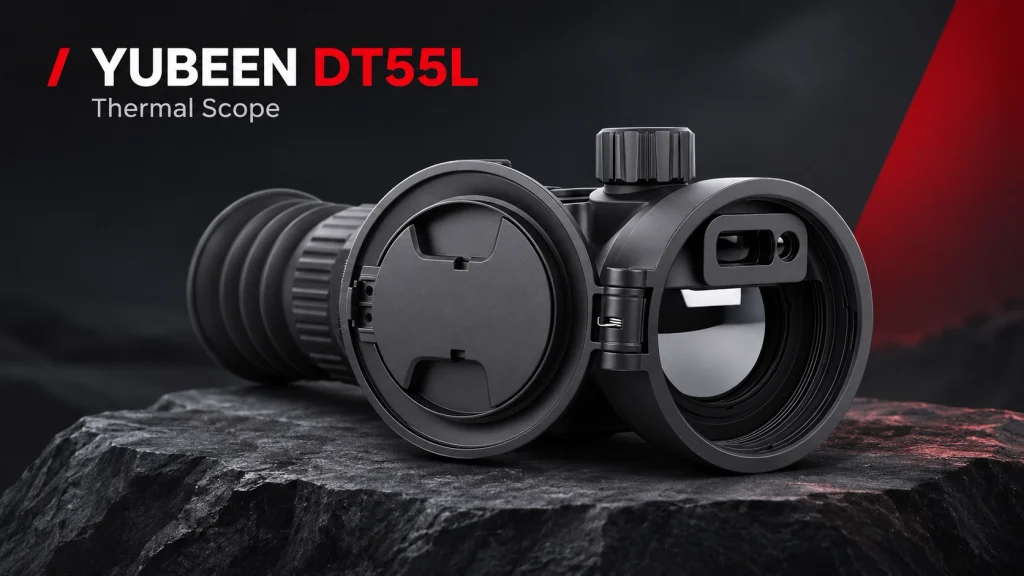
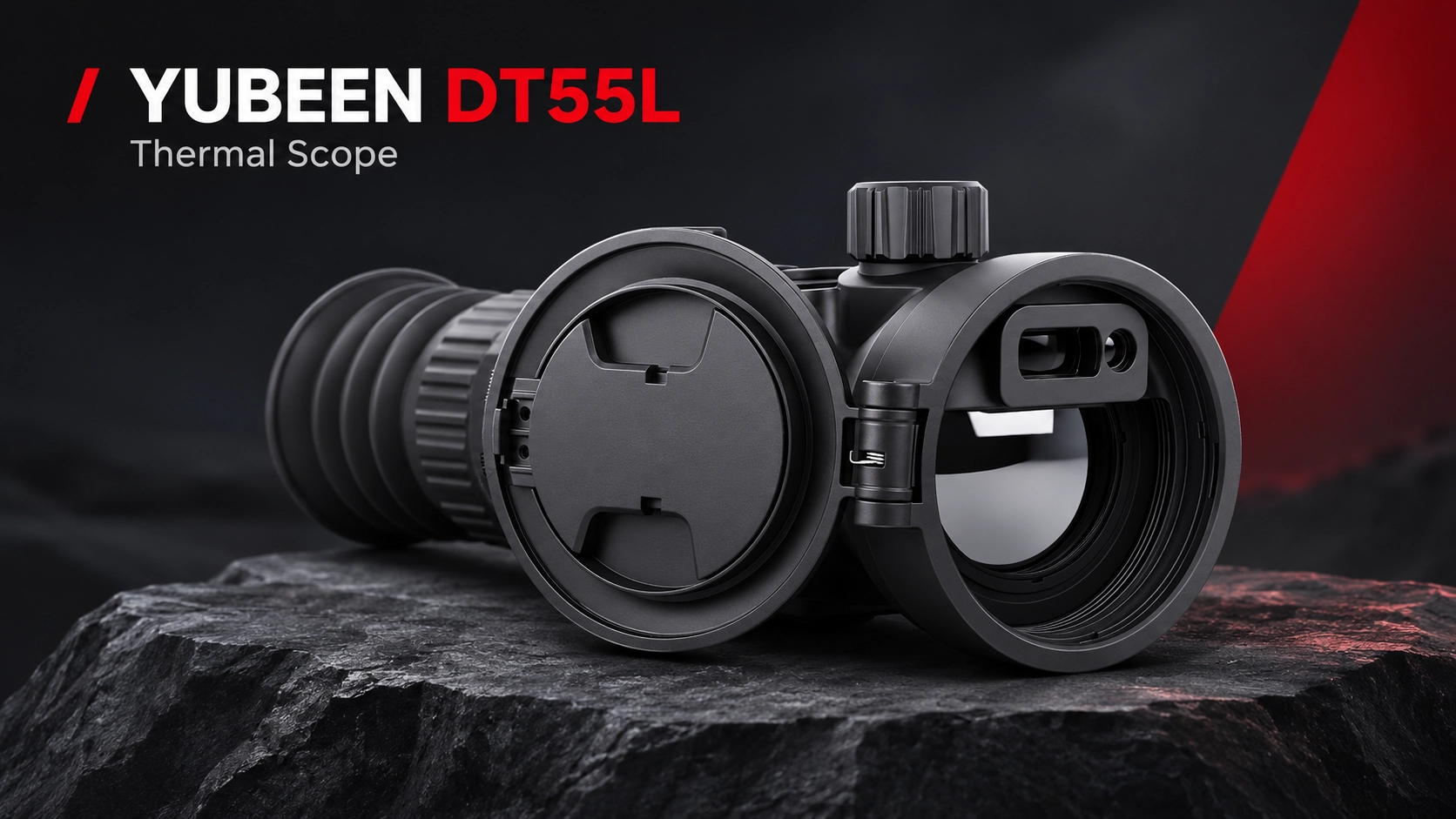
YUBEEN DT55L thermal imaging riflescope, an upcoming model featuring pre-recording and built-in video storage.Its current technical specifications list:
- Pre-recording support
- Photo capture and video recording
- 64 GB of built-in eMMC storage
- PC connectivity
- External-device connectivity
These functions establish a foundation for recording and storing footage. However, the specifications do not yet define the precise trigger used to preserve pre-recorded video, the trigger sensitivity or the duration of saved clips.
For that reason, DT55L can accurately be described as supporting pre-recording, but its complete recoil-triggered recording behavior should not be presented as confirmed without model-specific documentation.
The distinction is particularly important for buyers looking specifically for automatic video capture associated with recoil.
DT55L also uses two 18500 lithium-ion batteries and specifies at least five hours of operating time at 25°C with the hotspot disabled. This figure provides a reference for power planning, but does not establish runtime under every recording and connectivity configuration.
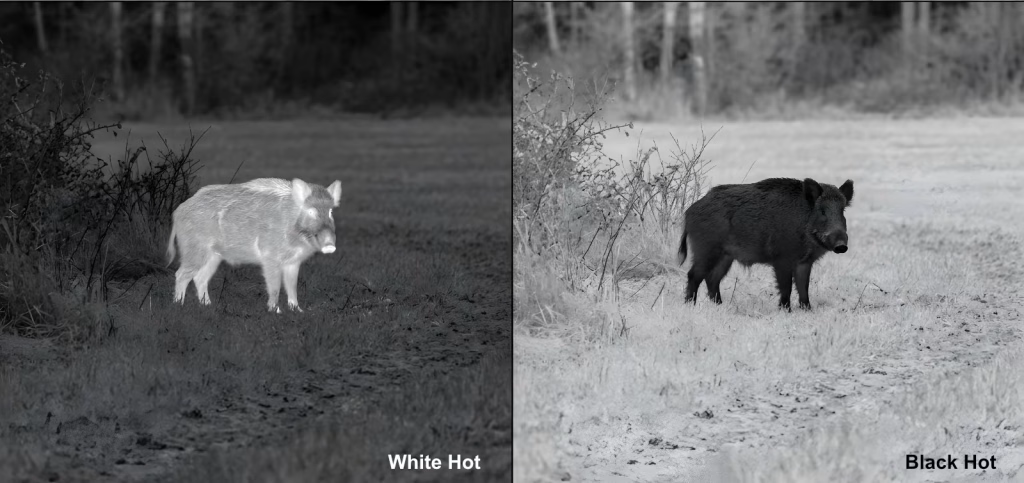
Its imaging capabilities are separate from its recording behavior. Detector resolution, image processing and display quality influence the visual information available, but do not establish when a recording begins or how an event is detected.
For a separate explanation of what to look for in thermal footage, see our guide to judging thermal scope image quality before buying.
The DT55L is being introduced as a technical preview. Market availability, final firmware functions and detailed recording instructions should be confirmed through current YUBEEN release information.
YUBEEN ST35Pro: Confirmed Recoil-Activated Recording Support
El YUBEEN ST35Pro provides a complementary example from the current product range.
Its published specifications explicitly confirm support for recoil-activated recording, photo capture and video recording. It also includes 64 GB of built-in eMMC storage, Wi-Fi hotspot functionality and mobile-app support.
This makes ST35Pro a relevant example for buyers interested in an integrated thermal imaging and recording device.
However, the published feature list does not establish a universal trigger threshold or exact recording duration before and after recoil. Those details should be checked against the applicable firmware and operating instructions.
Current product documentation is available through the YUBEEN Centro de descargas.
It is also important to distinguish recoil-activated recording from recoil resistance.
Recoil-activated recording concerns event detection and video capture. Recoil resistance describes the scope’s mechanical durability under specified test conditions.
A high recoil-resistance rating does not establish recording sensitivity or guarantee successful automatic capture under every condition.
Preguntas frecuentes
Does recoil-activated recording always save video from before the shot?
No. Capturing footage from before the event depends on whether the device supports a suitable pre-recording function and how that function interacts with recoil detection. Some implementations may begin recording only after the trigger.
Is pre-recording the same as recoil-activated recording?
No. Pre-recording concerns retaining earlier footage, while recoil activation concerns the event that initiates recording or saving. A device may support pre-recording without identifying recoil as its trigger.
Does recoil-activated recording improve thermal image quality?
No. It changes how and when footage is captured or saved, not the native resolution or sensitivity of the thermal detector.
Image quality still depends on factors such as the detector, objective optics, focus, processing and environmental conditions.
Why might a recoil-activated video clip be missing?
Possible reasons include a disabled function, insufficient available storage, an event that did not meet the trigger conditions, a power interruption or an incompatible operating configuration.
The correct troubleshooting process depends on the model and firmware. Users should also confirm whether the file was saved but has not yet been located.
Should recoil-activated recording be a deciding factor when choosing a thermal scope?
It can be an important feature for users who regularly need short event clips. However, it should be considered alongside image quality, optical performance, field of view, battery life, durability and technical support.
A recording function is most valuable when its behavior matches the user’s actual requirements.
Is Recoil-Activated Recording Worth It?
Recoil-activated video can be a useful addition to a thermal scope, particularly when the user wants to preserve brief events without manually starting every recording.
Its value depends on more than a supported-feature label. Trigger behavior, pre-recording capability, saved clip duration, storage management and file access all influence the practical experience.
The YUBEEN DT55L illustrates the importance of confirming how pre-recording works in an upcoming model, while the ST35Pro provides an existing example with recoil-activated recording explicitly listed in its specifications.
For buyers comparing recording capabilities alongside wider thermal imaging performance, explore the gama térmica YUBEEN o contacte con YUBEEN for current product information and model-specific documentation.